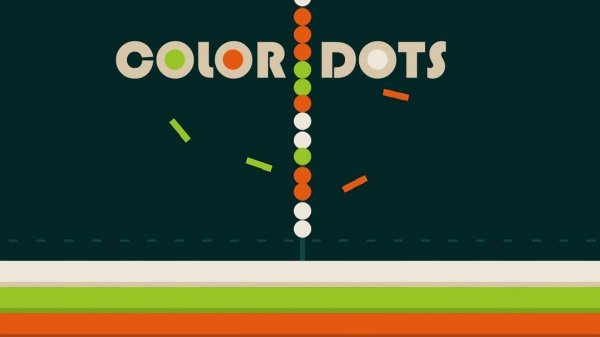
Color Dots Puzzle Challenge offers a refreshingly simple yet surprisingly strategic gameplay loop. The bright visuals and intuitive controls make it accessible to all ages, while the scoring system encourages thoughtful planning and replayability. It's an ideal choice for casual gamers looking for a calming mental exercise without time pressure or complexity.
Color Dots Puzzle Challenge is a casual puzzle experience that presents players with a grid filled with colorful dots. The core objective is to clear all dots from the board by selecting the correct color buttons located beneath the grid. Each click removes every dot of that chosen color, and thoughtful planning can lead to a higher score. This game combines simple mechanics with strategic decision-making, offering a light yet engaging challenge for players of all ages. Its bright visuals and straightforward rules make it an inviting choice for quick breaks or longer play sessions.
To play, look at the grid of dots and the color buttons below it. Click a button that matches a color present on the board. All dots of that color will disappear. Continue this process until the board is empty. The challenge lies in clearing the board in as few clicks as possible. Removing one color may bring other dots together, creating opportunities for efficient moves. Plan your sequence carefully to maximize your score and achieve the best results.
Bright and cheerful visuals create an inviting atmosphere. Simple one-click gameplay makes it accessible to players of all ages. Strategic color matching adds a layer of thoughtful decision-making. A scoring system rewards efficient planning and encourages replayability. The game is optimized for smooth performance on most devices, ensuring a pleasant experience whether on a computer, tablet, or phone.
To improve your performance, start by scanning the entire board to identify which colors appear most frequently. Prioritize removing colors that are abundant, as this can quickly reduce the board size. Look ahead to see how removing one color might cluster remaining dots, potentially allowing you to clear multiple colors in subsequent moves. Practice regularly to develop a sense of optimal sequences, and don't be afraid to experiment with different strategies to find what works best for you.







Comments
0 comments