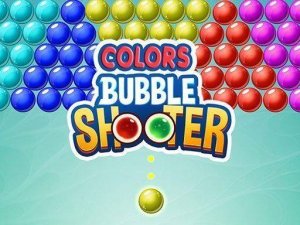
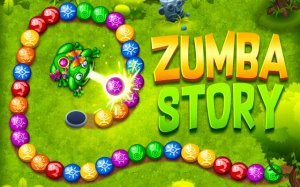
A colorful and relaxing marble puzzle game with friendly characters and engaging levels.

Fun twist on bubble shooters with a rotating wheel. Clean graphics and good for short breaks.
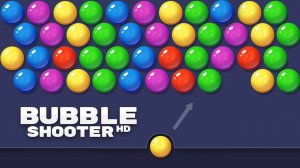
Smooth and colorful bubble popping. Easy to start, but requires strategy to master.

Simple and addictive ball popping action. Great for quick reflex training sessions.

Clean design and smooth gameplay. Great for short breaks. The butterfly theme adds charm.
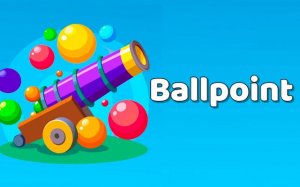
A polished arcade breakout game with 20 unique levels and strategic gameplay.
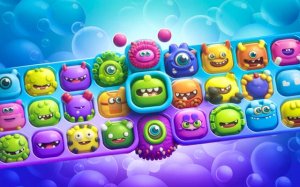
A fun, colorful bubble shooter that combines match-3 strategy with cute creatures. Great for quick breaks.
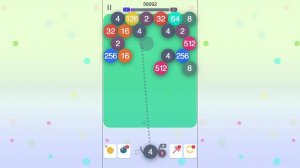
Clever blend of bubble shooting and number merging. Smooth controls and satisfying chain reactions.
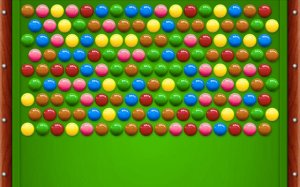
A fun, relaxing bubble shooter with a creative billiards twist. Great for quick breaks.

Clean design and smooth gameplay. Great for short breaks and color matching fun.

A relaxing 3D bubble shooter with strategic bounce mechanics and beautiful Aztec visuals.
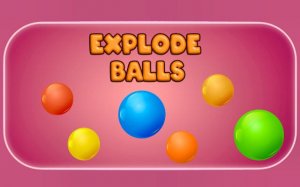
A colorful and strategic puzzle game that rewards careful aiming and chain reactions.

A colorful and relaxing puzzle game with clever candy swaps and hundreds of levels for endless fun.

Cute dinosaur theme with smooth bubble popping. Easy to pick up and play during short breaks.
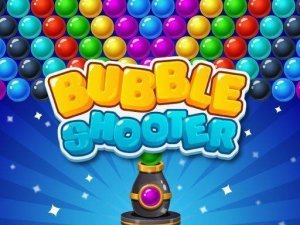
Clean design and smooth gameplay. Great for short breaks or longer puzzle sessions.
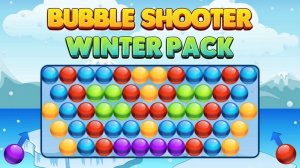
Clean winter theme and smooth controls. Great for quick puzzle sessions.

A charming bubble shooter with a gentle Halloween theme. Simple mechanics and strategic depth make it enjoyable for all ages.
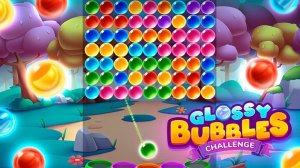
Smooth controls and bright visuals. A great bubble shooter for quick, relaxing play.
Clean design and smooth gameplay. Great for short breaks. Fun for all ages.
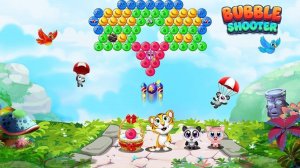
Clean visuals and smooth gameplay. A relaxing puzzle game with good variety across levels.
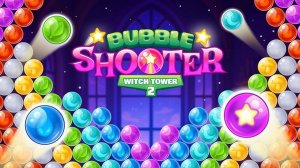
Charming graphics and relaxing gameplay. Perfect for unwinding after a busy day.
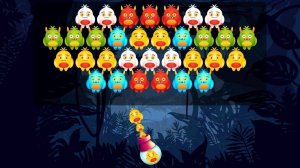
Bright and engaging bubble shooter with fun monster themes. Good for quick play sessions.
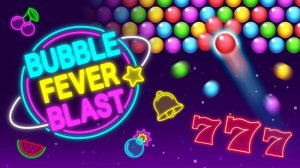
A cheerful bubble shooter with strategic depth and fun fever mode for all ages.
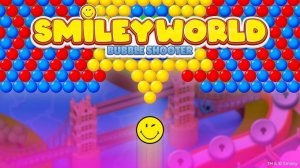
Bright and cheerful puzzle game with smooth controls. Perfect for relaxing breaks.

Colorful and engaging puzzle shooter. Simple controls with strategic depth. Great for all ages.
Clean design and smooth gameplay. Great for short breaks or longer sessions.
