

Spooky atmosphere without being too intense. Simple controls make it easy to play.
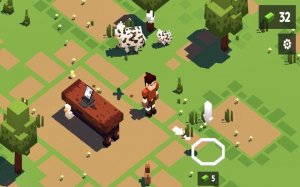
Charming visuals and easy mechanics. Perfect for relaxing breaks.

Charming and relaxing. Easy controls and cute Kobolms make this a great family game.

Charming farm game with simple taps and fun upgrades. Great for all ages.

A clever mix of action and city building that keeps you coming back for more.
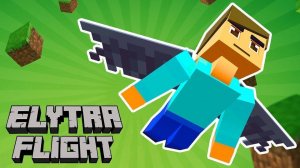
Clean controls and beautiful skies. A satisfying challenge for quick breaks or long sessions.

Creative and relaxing. Great for art lovers who enjoy business simulation. Clean design and smooth gameplay.
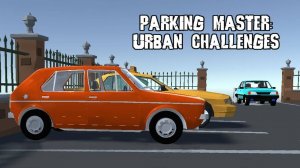
Realistic physics and satisfying challenges. Great for honing driving skills in a safe environment.
Engaging blend of farming and tower defense. Smooth controls and rewarding progression. Great for casual players.
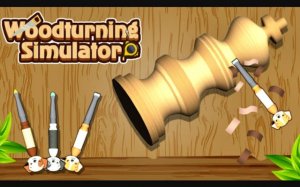
Relaxing and satisfying carving puzzles. The 3D graphics are clear and the controls are smooth.
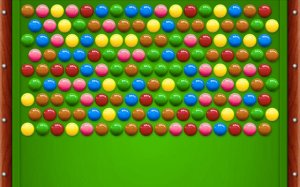
A fun, relaxing bubble shooter with a creative billiards twist. Great for quick breaks.

A calm puzzle adventure with clever challenges and a safe, engaging story.
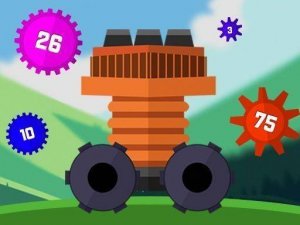
Clean design and smooth gameplay. Great for short breaks and strategic thinking.
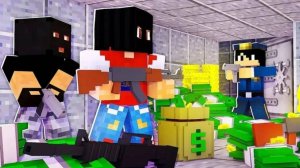
Strategic puzzles with clean design. Great for quick mental challenges and planning enthusiasts.

Simple controls and fun upgrades. Great for playing with a friend during breaks.
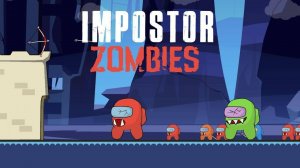
Fun tower defense with satisfying archery mechanics. Easy to learn and perfect for quick sessions.
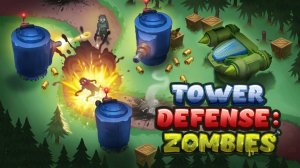
Clean strategy game with smooth controls. Great for quick thinking and short breaks.
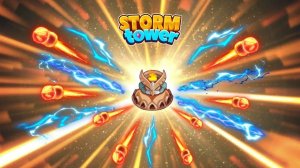
Charming pixel art with strategic depth. Idle progression makes it perfect for short sessions.
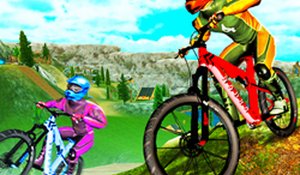
Simple controls and fun trails. Great for quick gaming sessions with friends.

A clever arcade game that turns defense into fun. Great for reflex training.

Smooth driving mechanics and a peaceful open world. Great for relaxing sessions.

Bright and engaging simulation that teaches kids shopping skills. Simple controls and positive feedback make it a winner.

Charming farm simulation with simple mechanics. Great for relaxing breaks and family play.

A fun and quirky simulation game. Great for players who enjoy creative restaurant management with a spooky theme.
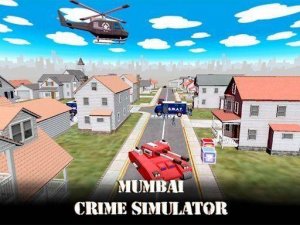
Engaging city exploration with clear missions. Smooth controls and a positive hero story make it enjoyable.

Relaxing fishing game with clear progression. Great for collecting and upgrading at your own pace.
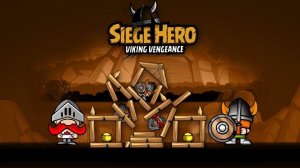
Strategic aiming and treasure hunting make each level a satisfying puzzle. Great for quick play sessions.

Realistic drifting with smooth controls. The upgrade system keeps you engaged. A solid arcade racer.

A relaxing idle game with charming visuals. Easy to pick up and perfect for short play sessions.

Satisfying ASMR sounds and simple controls make this a great stress reliever for short breaks.

Calm and colorful arcade fun. Easy controls and relaxing ocean visuals make it a great break.

Fast-paced team game with clear controls. Bomb dodging adds excitement. Great for group play.

Smooth controls and creative stunt tracks. Great for quick gaming sessions.

Relaxing farm builder with charming animals and smooth progression. Perfect for casual play.

Smart resource management and clear progression. A calm yet engaging arcade challenge.

A relaxing and strategic property management game. Clean design and rewarding progression.
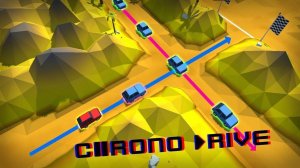
Smooth controls and clever time mechanic. A clean, strategic racing game for quick sessions.

Wholesome baby care simulation with simple controls. Great for teaching responsibility in a fun way.

A charming pet care simulator with simple mechanics and cute visuals. Great for relaxing play.

A calm yet challenging observation game with smooth controls and satisfying missions.

A peaceful island adventure with clever puzzles and colorful dinosaurs. Great for families.

Clean design and smooth gameplay. Great for short breaks and strategic fun.

Fun physics puzzle blaster with colorful graphics and clever level design.

Realistic patrol routes and responsive controls. A relaxing yet engaging driving game for all ages.
Clean design and smooth gameplay. Great for short breaks and sharpening focus.

Tactical gameplay with anomaly hazards. Great for team strategy fans. Smooth and engaging.
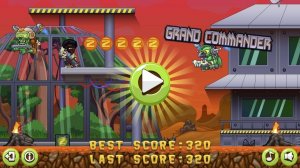
Simple controls and exciting skills make this a fun arcade game. Great for quick sessions.

A clever puzzle game with fun physics and charming western style. Great for family play.
